Virtual staging
Furnish an empty room in 20 seconds
Empty rooms are hard to read: buyers can't tell if a sofa fits. Upload the empty room, pick a style, and Decova furnishes it at a believable scale.
3 free floor plans. No card needed.
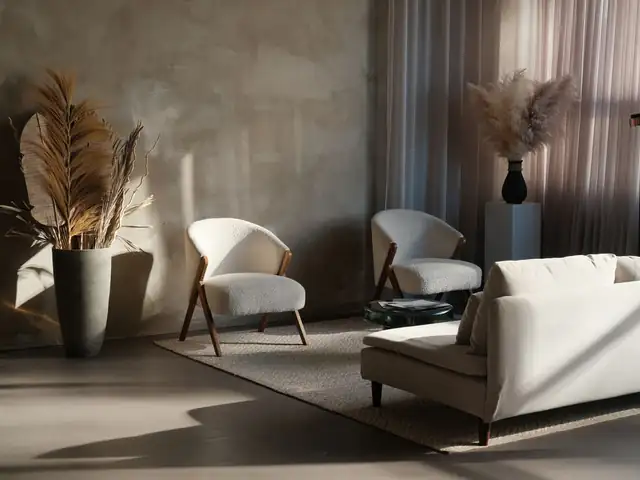 JapandiCalm, natural wood, low lines
What you get
Realistic scale
Furniture is placed for the room's size and perspective, so buyers get an honest sense of the space.
Fifteen styles
From calm Japandi and Minimalist to classic Traditional and Mid-Century Modern, pick the style that suits the home and its buyers.
Declutter mode
With pack credits, clear out a furnished room first, then restage it.
Keep the original
Your original photo is always kept next to the staged version, ready to show both.
How it works
Three steps. About 20 seconds.
- Step 1
Upload a photo
Any bright phone photo of the room, up to 15 MB. Or a whole home at once.
- Step 2
Pick a style
Choose from real example rooms, add a note if you like, and see the cost first.
- Step 3
Download your favorite
Four versions in about 20 seconds. Compare with the slider, then download in HD: free, no watermark.
FAQ
Questions people ask
Straight answers on rooms, credits, refunds and privacy.
Does it work with phone photos?
Yes. Photos up to 15 MB in JPEG, PNG, WebP or HEIC work. Bright, level shots give the best results.
How long does it take?
About 20 seconds per design. A batch of 20 photos finishes in a few minutes.
Your next room is 20 seconds away
3 free floor plans. No card needed. Your photos stay private.